
Remote Work & Collaboration in VR/XR
Author
Elisha Roodt
Date Published
From Flat Screens to Spatial Presence
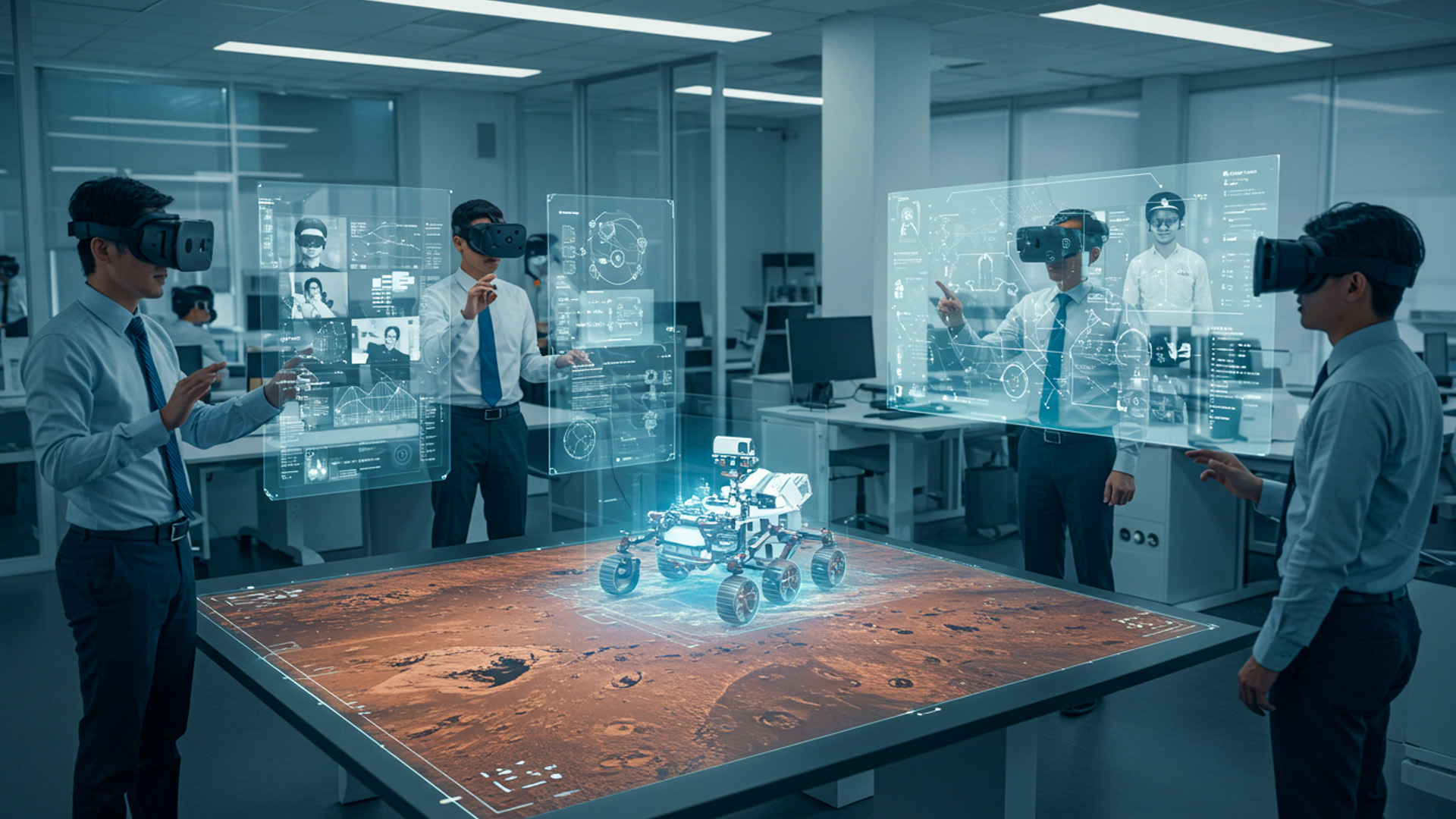
Every distributed team eventually collides with the same ceiling: rectangles. Windows, tabs, webcams, and slides flatten nuance into pixels and mute the rhythms that make collaboration feel alive. Virtual and extended reality reset the frame with depth, scale, and embodiment. Spatial presence turns “you’re muted” meetings into shared rooms where posture, gaze, and proximity matter again. Meanwhile, augmented reality extends that room to factory floors and wind farms, letting experts “stand beside” technicians through a visor. This piece traces how companies actually leverage VR offices, social meeting rooms, and AR for remote tasks—what works, where friction persists, and how to evaluate the tools.
Why Spatial Presence Beats Flat Screens for Distributed Teams
Cognitive Load and Co-presence Mechanics
Teams don’t merely exchange information; they coordinate attention. In 2D calls, attention is expensive: you juggle chat, slides, faces, and a gallery of miniaturized signals. Spatial environments reintroduce co-presence mechanics—who’s standing next to whom, who’s at the whiteboard, who just turned toward the prototype on the table. Those cues trim extraneous cognitive load and restore the “ambient bandwidth” normally supplied by a room. Rather than narrating turn-taking, participants rely on proximity and eye-contact metaphors. The brain’s spatial indexing system handles context switching: artifacts live in places, not windows. As a result, the session feels less like juggling and more like working together.
Consider a sprint review. In video chat, the demo, backlog, and risk board vie for screen space; a single presenter pilots the show. In a VR room, boards surround the team at comfortable scale, and individuals “walk” to what they care about. That physical metaphor reduces bottlenecks and adds parallelism: one duo triages bugs at the left wall while another experiments with flows at the right. Spatial audio lets side conversations coexist without collapsing the main thread. People can gesture at life-size elements, capture sticky notes with their hands, and leave artifacts in place, preserving context for the next session.
Anecdote: The Whiteboard That Fought Back
A product lead once told me their first “aha” moment came when a junior engineer started erasing the wrong quadrant of a massive virtual whiteboard. In a videoconference, someone would frantically bark, “Stop, wrong frame!” In the VR space, three teammates instinctively stepped closer, raised their virtual markers, and boxed the live area in bright color. The engineer adjusted, chuckled, and kept going. The “board fought back” not because it was hostile, but because it demanded embodied coordination. That tiny drama taught the team something you can’t transmit by email: how the group wants to work when co-present. It stuck.
They later noticed fewer “Can someone share their screen?” moments. Instead, anyone approached the artifact they needed, resized it, and annotated without permission choreography. The whiteboard became a landscape, not a slide deck. Decisions hardened faster because evidence stayed visible and spatially anchored. Even the ritual of “walking” to a parking-lot board at the back of the room to record out-of-scope ideas paid dividends: people remembered where those notes lived. When they reconvened, they literally returned to the parking lot. Memory piggybacks on space. In knowledge work, that little neurological exploit can shave hours from follow-up thrash.
Limitations: Comfort, Ergonomics, and Simulator Sickness
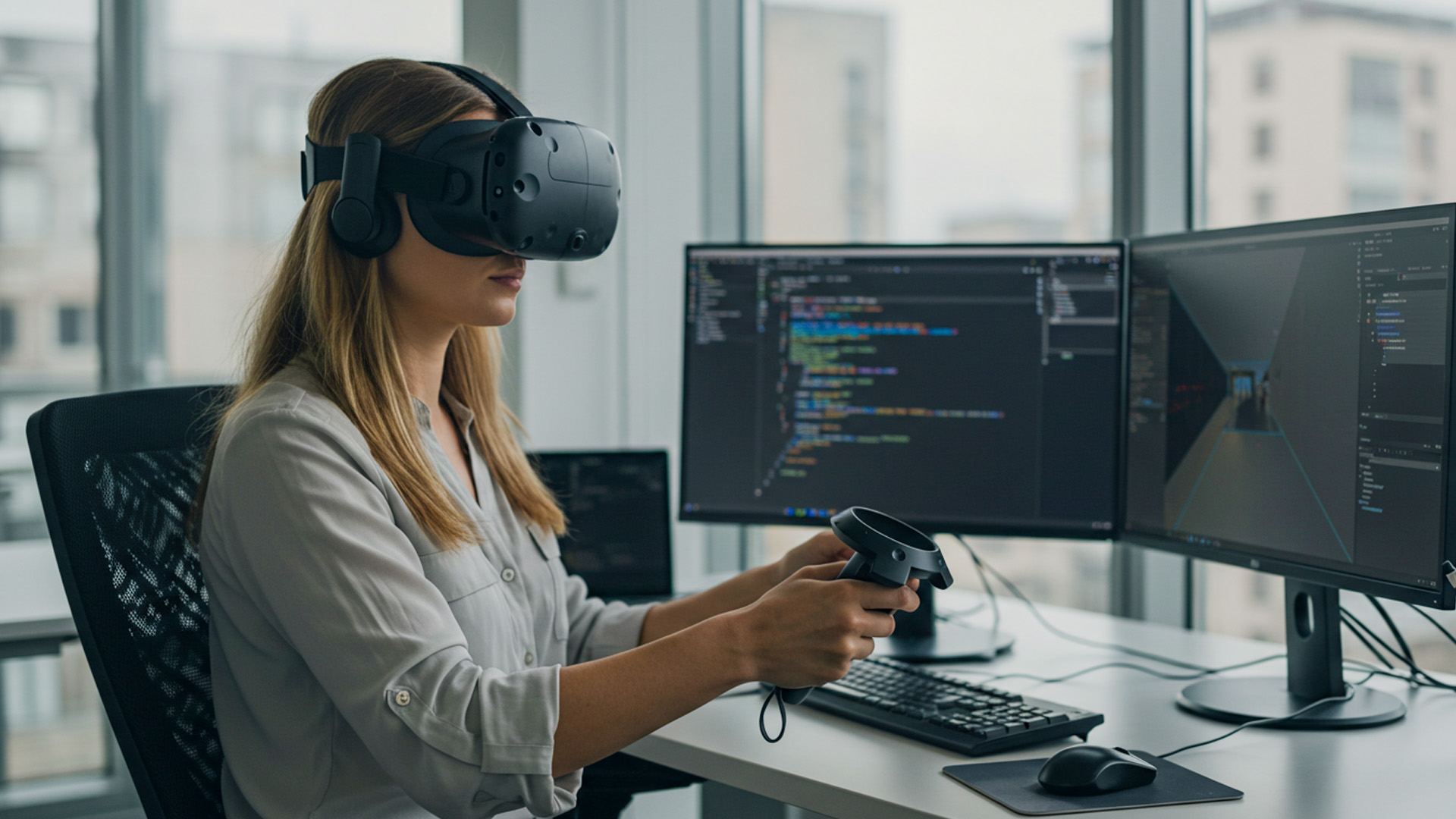
Reality checks matter. Head-mounted displays add weight, heat, and frontal pressure. Not everyone wants to spend two hours in a visor. Motion design must respect the vestibular system; teleportation beats continuous locomotion for many users. Keyboard entry is still awkward unless you pair a tracked keyboard or rely on voice-to-text, which introduces privacy concerns. Accessibility is uneven: color contrast, captioning, and ASL glove integration vary by platform. Procurement teams also worry about cleaning protocols, lens scratches, and spare parts. None of these are deal-breakers, but they shape session design: short, focused blocks, optional breaks, and hybrid pathways for 2D participants.
Hardware maturation helps but doesn’t erase ergonomics. Lighter headsets reduce strain; pancake optics minimize front-heavy torque. Still, the best results come from program design: rotate roles to limit headset time, supply neck-friendly seating, and teach “headset hygiene” habits. Encourage anchored work surfaces for stability and provide non-embodied alternates for note-taking. Calibrate avatar height to avoid social discomfort, and adopt locomotion modes that individuals can change without derailing the group. Above all, treat XR like any other professional tool: not a novelty hour, but a system with clear tasks and off-ramps. Respect bodies, and the collaboration improves accordingly.
Virtual Offices and Social VR Meeting Rooms: What Actually Works
Persistent Spaces, Not Just Meetings
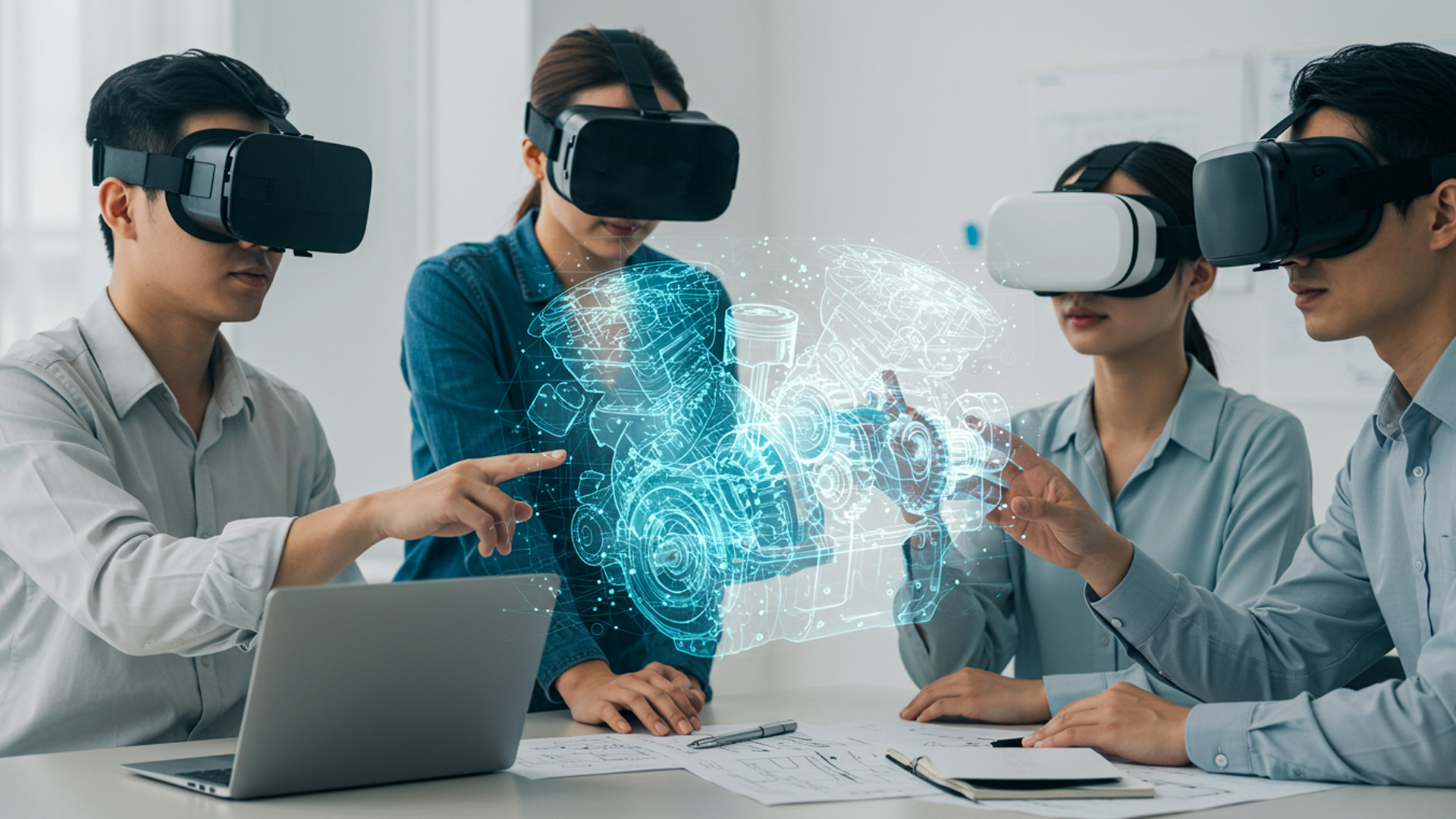
Teams thrive when spaces remember. The most effective virtual offices aren’t ephemeral lobbies spun up for a calendar slot—they’re persistent rooms with identity: a war room for a launch, a design lab with critique boards, a data theater with live dashboards. Persistence allows asynchronous collaboration. Someone in Cape Town leaves a 3D annotation hovering over a prototype, and someone in Toronto sees it eight hours later in the same spot. Artifacts remain spatially aligned: models on pedestals, kanban walls by the entrance, a “quiet corner” for one-on-ones. You don’t “join a call”; you enter a place with history.
That small shift reshapes etiquette. People learn to “tidy the room” before leaving—pinning floating windows, bookmarking tool states, and archiving outdated boards. It also creates a gentle container for rituals: stand-ups around the central table, demos near the wall display. The platform’s role is to make persistence cheap: save states, version scenes, and restore layouts instantly. When a room becomes a living repository, onboarding accelerates: new hires walk through the project’s story rather than skim a wiki. In practical terms, this reduces meeting sprawl. Work happens in the room whether or not the calendar says “meeting.” The room becomes the project.
Avatars, Embodiment, and Identity at Work
Avatar design isn’t cosmetic; it’s a social protocol. The most productive teams standardize just enough to avoid uncanny chaos while leaving room for self-expression. Stylized avatars with crisp facial cues and reliable lip-sync outperform hyper-real faces that dip into the uncanny valley. Hand presence matters: expressive gestures, index-pointing, and thumb-up signals communicate faster than words. Dress codes evolve too: role-colored lanyards or badges help new teams navigate who does what. Inclusivity features—wheelchair options, religious headwear, diverse hair textures—signal that the space belongs to everyone. Embodiment reduces misalignment because people read intentions, not only sentences.
Privacy and professionalism intersect at avatar choices. Some industries mandate photographically faithful representations for client trust; others prefer abstracted forms to minimize bias. What matters is policy clarity: define norms for camera mirroring, nameplates, and pronouns. Encourage an “avatar etiquette” playbook: don’t materialize inside someone else’s personal zone; use “raise hand” gestures before interrupting; mute spatially when stepping into side huddles. Provide accessible alternatives—caption bubbles, pointer highlights, and color-blind friendly selection halos. In short, treat avatars like uniforms and body language like a language. Teams that codify these norms see smoother sessions and fewer micro-misunderstandings.
Tooling Landscape: From Horizon Workrooms to Immersed, Spatial, and Mesh
The ecosystem spans fully managed social meeting rooms to SDK-first toolkits. Turnkey platforms offer low-friction rooms, whiteboards, screen pinning, and persistent layouts with minimal setup. Productivity-focused apps integrate multi-monitor mirroring, remote desktop, and shared pointer control for code reviews. On the other end, developer-centric stacks expose spatial anchors, avatar systems, and networking primitives for custom workflows—ideal when you need a CAD reviewer that talks to PLM or a data room that pulls live metrics. The best choice aligns with your integration surface: identity provider, document repos, chat logs, and analytics pipelines. Fit beats feature count.
Procurement often fixates on headset support, but the smarter question is “How does this tool interoperate with the rest of our stack?” Look for SSO, SCIM for lifecycle management, webhook events for governance, and export paths for audit. A “room” is only as useful as its ability to capture decisions and feed them to the systems of record. Also weigh session recording, transcript capture, and whiteboard versioning. Latency budgets matter: cross-continental teams need servers close to participants or relay meshes that adapt quickly. Tools that clear these hurdles deliver compound benefits; those that don’t become glossy silos.
Augmented Reality for Remote Field Tasks
Remote Assist Patterns and Digital Annotations
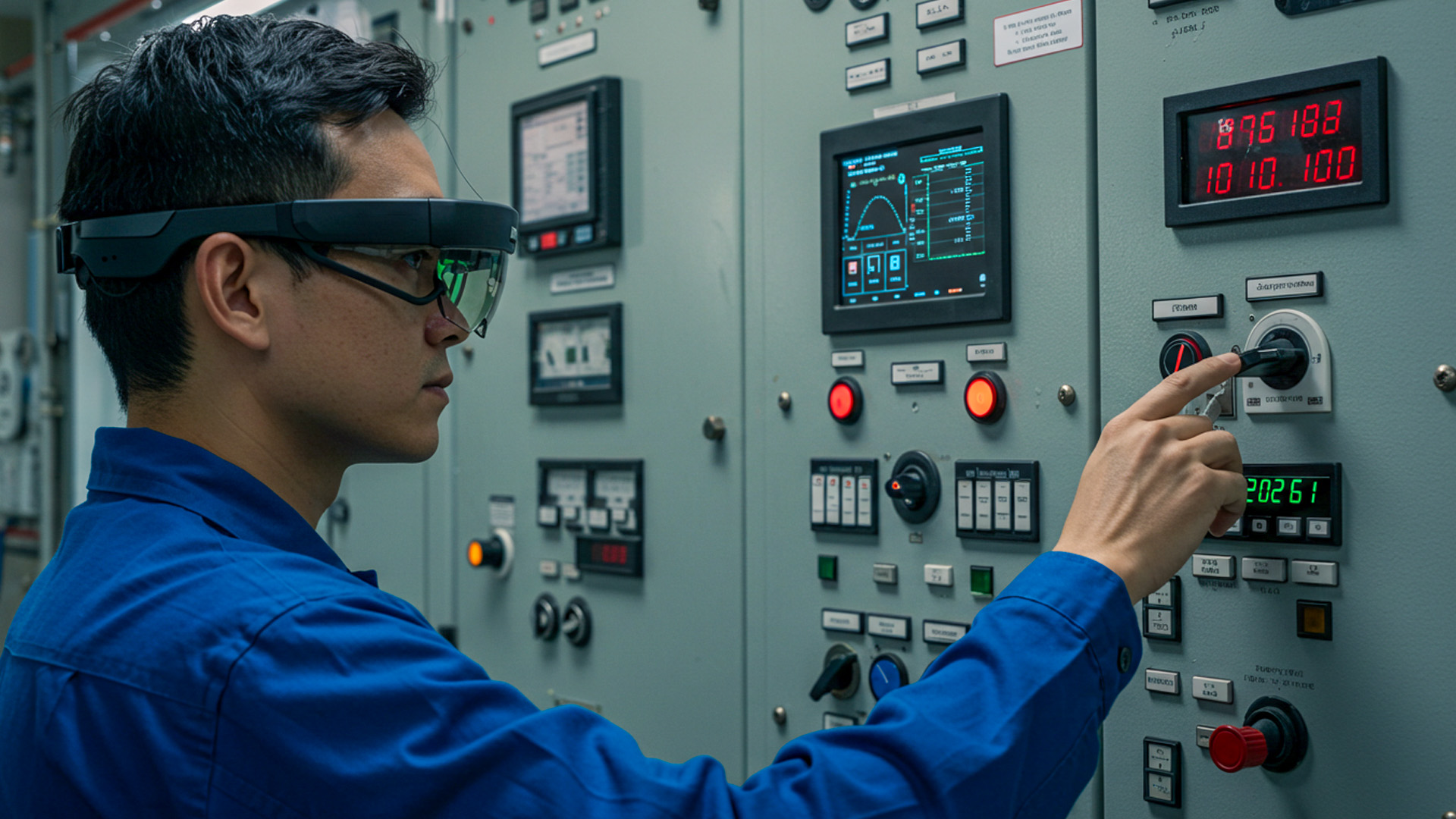
AR excels when hands must stay free and context cannot be moved to a meeting room. The classic pattern pairs a field technician wearing a headset or phone with a remote expert who sees the world through the technician’s camera. The expert draws persistent annotations—arrows, brackets, highlights—anchored to physical objects. These cues stick as the wearer shifts perspective, so instructions survive motion and noise. QR, AprilTag, or model-based tracking snaps overlays to exact components. Recording the session yields traceability; exporting an annotated “mini-procedure” becomes just-in-time training for the next technician. It’s a workflow amplifier, not just a video call.
In practice, the human choreography is as important as the computer vision. Experts must learn to “coach with the room,” narrating intent before sketching and confirming the anchor. Technicians should repeat back steps to ensure comprehension in loud environments. A well-run assist session resembles air-traffic control: sparse, precise language; clear turn-taking; unambiguous handoff points. Templates help—standard overlays for “disconnect power,” “verify torque,” or “seal inspection.” When organizations codify these patterns and embed them in a service playbook, mean time to resolution drops. Even better, knowledge escapes the heads of a few veterans and becomes a sharable asset.
Hands-Busy, Eyes-Up: Wearables and Safety
AR’s promise collapses if safety falters. Hands-busy, eyes-up tasks require careful hardware choices: field-of-view large enough to reduce head darting, brightness to beat sunlight, and comfortable balance for long shifts. PPE compliance is non-negotiable: hard-hat mounts, prescription inserts, and anti-fog coatings protect people and productivity. Microphones must handle industrial noise; bone-conduction audio can keep ears open to ambient alerts. Glove-compatible gestures or robust voice commands reduce frustration. For hazardous areas, offline modes and local compute mitigate network dependency. Every minute saved is irrelevant if situational awareness degrades. The design mantra: augment without occluding, assist without distracting.
Good AR programs write “abort conditions” into procedures: if overlays jitter beyond a threshold, if localization drifts, if voice commands fail twice, pause and revert to the laminated manual or radio protocol. It sounds conservative; it’s professional. Teams also define “desaturation steps” for cognitive overload—hide all non-critical overlays and reduce guidance to essentials when alarms sound. Remember, AR competes with reality’s complexity. Success comes from ruthless respect for the task environment, not flashy 3D elements. The best wearable flow becomes invisible: the technician remembers the fix, not the menu they navigated. That’s augmentation done right.
Throughput, Bandwidth, and Edge Compute
Remote assist dies on jitter. To achieve stable overlays and low-latency coaching, you need predictable uplink, not just high theoretical downlink. Field sites often have asymmetric constraints, intermittent Wi-Fi, or strict firewall rules. Smart deployments employ adaptive bitrate streaming, prioritize audio, and degrade gracefully to still-frame annotation when bandwidth dips. Edge compute can run recognition models locally, shipping just metadata to the expert. Caching procedure steps on-device reduces roundtrips. If your platform supports peer-assisted relays or local breakout servers, your mean time to guidance improves dramatically. The quiet hero here is network design, not polygon count.
Before rolling out widely, treat connectivity as a first-class requirement: perform on-site link budgeting, characterize RF interference, and pre-provision whitelists. Where cellular is the only option, multi-SIM bonding stabilizes uplink. Log latency and packet loss alongside task metrics; correlate spikes with failure modes. Don’t overlook power: field kits need battery swaps and charging workflows as disciplined as tool calibration. When your AR program includes this mundane infrastructure, the glamorous demos translate into durable operations. When it doesn’t, you’ll blame “the headset” for what was really a routing table problem. Throughput is strategy, not an afterthought.
Governance, Security, and Enterprise Rollout
Data Sovereignty and Identity Federation
XR collaboration touches sensitive data: design blueprints, customer PII on dashboards, maintenance logs, even biometric signals. Enterprises should insist on identity federation (SAML/OIDC), role-based access control mapped to existing groups, and device attestation for managed headsets. Regional data residency matters when recordings, spatial maps, or hand tracking feeds qualify as personal data under local laws. Encrypt at rest and in transit, obviously; less obvious is expiring spatial anchors and pruning room states to the minimum retention window. Provide transparent admin tooling to purge, export, and audit artifacts. In regulated sectors, compliance isn’t a bolt-on; it’s table stakes.
Spatial capture introduces novel questions: who owns a point cloud of a client’s facility? Is an avatar’s voiceprint biometric data? Legal and security teams should formalize answers before the first pilot. Meanwhile, privacy-by-design features—on-demand blurring, microphone indicators, and opt-in hand tracking—build trust. Consider separate “confidential rooms” with stricter policies: no recording, aggressive log rotation, and ephemeral surfaces that clear on exit. Publish a simple data map for users: what’s captured, where it lives, and how to request deletion. When people understand the boundaries, they participate more freely. Security that’s visible and sensible becomes an adoption accelerant.
Procurement Reality: TCO, Fleet Ops, and Support
Total cost of ownership beats sticker price every time. Budget for headsets, controllers, prescription inserts, cases, charging docks, and spares. Add software licenses, SSO connectors, and analytics. Don’t forget people: an XR admin who images devices, pushes updates, and manages loaner pools. Mobile device management for headsets reduces chaos—Wi-Fi profiles, kiosk modes, and app catalogs should be zero-touch. Support flows need nuance: swapping a controller is not the same as resetting a password. Track utilization like a gym: dormant rooms and dusty headsets signal a program design issue, not just user laziness. TCO clarifies where to optimize.
Smart teams run “XR pit stops.” Think of them as scheduled health checks: wipe lenses, update firmware, validate fit, and triage tickets. A ten-minute pit stop prevents a broken demo or a missed training window. For distributed fleets, ship ready-to-run kits with laminated quick-start cards and a QR to a live help room. Establish a parts taxonomy and reorder thresholds—face gaskets, straps, and chargers vanish faster than expected. When finance sees stabilized support costs and rising utilization, the budget conversation gets easier. Fleet ops isn’t glamorous, but it’s the flywheel that turns pilots into programs.
Change Management: Culture, Policy, and Training
XR fails as a “cool tech drop.” It succeeds as a change program. Start with a narrative: why spatial collaboration, for which workflows, and how success will be measured. Recruit champions in design, engineering, support, and operations. Write policy that matches the work: calendar hygiene for virtual rooms, avatar norms, recording rules, and off-ramps for those who can’t or won’t use headsets. Run cohort-based training focused on tasks, not features: “Run a retro in the room,” “Deliver a design critique,” “Execute a remote assist.” Give people a sandbox to practice. Confidence beats curiosity for sustained adoption.
Pair training with gamified events to spark momentum. Weekly “spatial challenges” reward teams for hosting a stand-up in the virtual office, capturing a whiteboard snapshot to the wiki, or closing a ticket with AR-guided steps. Leaderboards, badges, and small perks turn hesitant experimentation into playful mastery—without trivializing the work. Celebrate stories: the first time a cross-border team shipped a feature without a single screen-share, or a field tech shaved an hour off a turbine inspection. These anecdotes travel farther than policy docs. Culture change is a story engine. Feed it, and XR stops being a novelty and becomes normal.